Features

Everything Codetta puts in front of you, in detail. AI panel, Claude Code, SFTP, MCP, multi-workspace — and the small choices that make them feel right.

Agent Mode · v0.5.0

An editor that becomes an agent

Flip the whole window into a dedicated agent workspace — a slim workspace rail, a sessions list, and a conversation-first chat as the main surface. Toggle with the title-bar Agent button or Ctrl+Shift+A; your sessions, changes, and tasks come with you.

  • Conversation-first chat — tool calls collapse to glanceable chips: a quiet "read 16 files", a loud "edited run.ts ×3". Click any chip to expand the diff or output.
  • Changes & tasks at a glance — edits roll into a Changes review card; the agent's to-do list lives in a sidebar section, not buried in the transcript.
  • Plugins & customizations — install Claude Code plugins from any GitHub marketplace; manage Instructions, Skills, MCP, tool access, providers, and privacy in one tabbed panel.
  • Plan-mode approval — review the agent's plan in full, then Approve & start, or keep refining.
# The agent's actions, as glanceable chips You: refactor the enrollment sweep Now hook into contacts/actions.ts: [🔍 read 6 files] [✦ edited actions.ts ×3] Let me typecheck: [➜ ran tsc → clean] ┌ Changes · 4 files · +120 −38 ──[Review]┐ └─────────────────────────────────────────┘
AI Panel

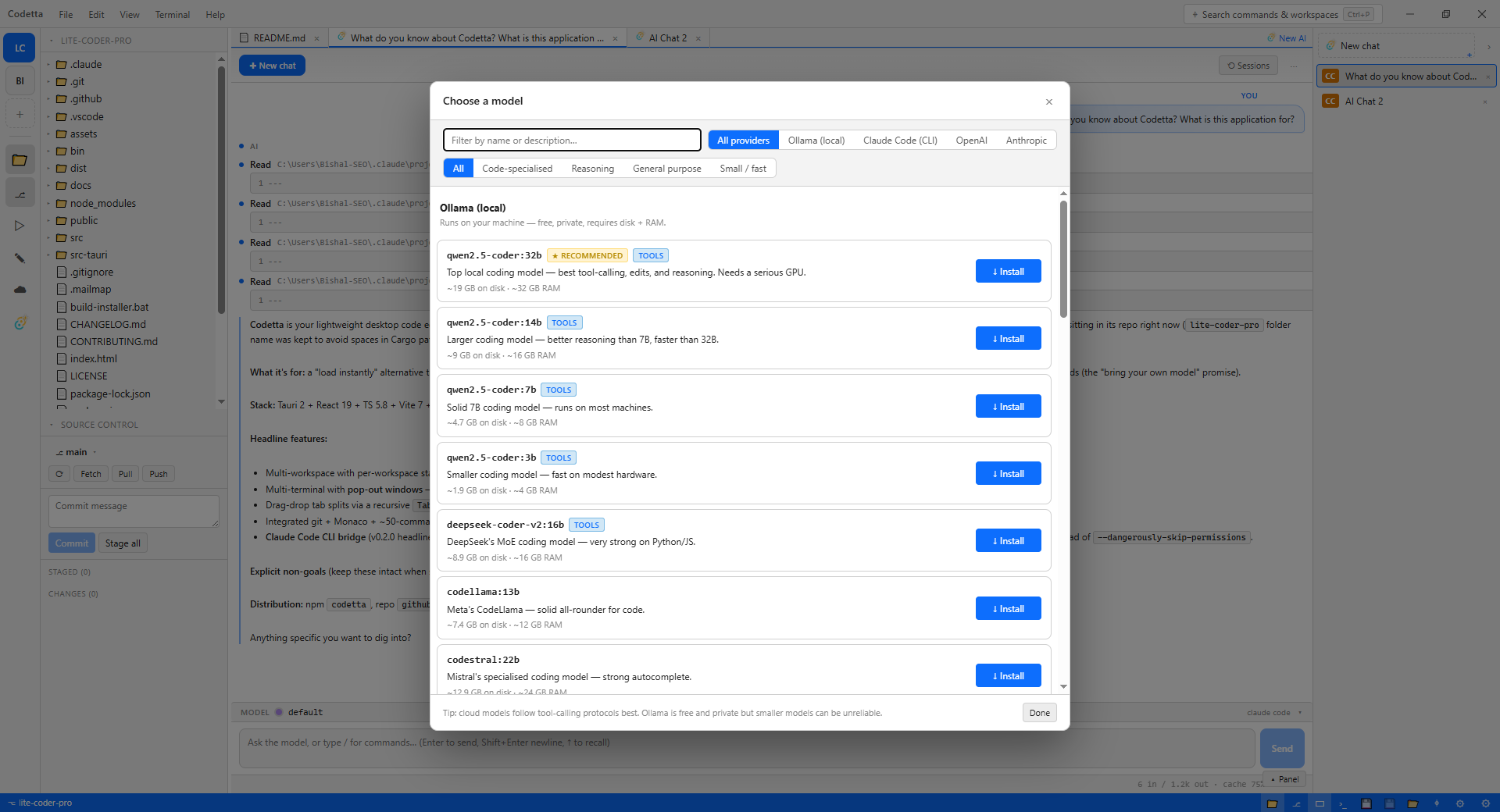
Bring your own model

One panel. Anthropic API, OpenAI API, Ollama (local), or Claude Code. Pick per-chat, switch mid-conversation, and pay nobody for the editor itself — your keys, your spend.

  • Claude Code uses your existing Claude Pro / Max subscription with no per-token bill.
  • Anthropic + OpenAI use your API key locally; nothing routes through us.
  • Ollama runs entirely on your machine — qwen, llama, deepseek, whatever you've pulled.
  • Per-chat tabs with provider badges (CC / Cl / AI / OL), drag-to-reorder, refresh-resume mid-stream.
Claude Code

The Claude CLI, but with a UI

Codetta wraps the official claude CLI as a first-class provider. Subscribe once on Anthropic.com; spend zero dollars in Codetta. Permission cards, tool-by-tool always-allow rules, refresh-resume mid-stream, and per-chat session pinning so the CLI's context cache stays warm.

  • Three-tier always-allow — Allow this session, Always allow this tool, Always allow this filetype.
  • WebFetch + WebSearch gated through the same overlay so you can grant network access deliberately.
  • Refresh-resume: reload the page mid-stream, the chat re-attaches and replays buffered events.
  • Per-tool running rows with code preview — see what Edit / Write / Bash is about to do before the agent commits.
# Permission card surfaces in the editor PreToolUse: Edit src/store.ts └─ old_string: "setActiveWorkspace: async ..." └─ new_string: "setActiveWorkspace: async (id) => {" [✕ Deny] [✓ Allow this session] [✓✓ Always allow Edit on .ts] [✓✓ Always allow Edit] [✓ Allow once]
SFTP · v0.4.0

Edit remote like local

Connect to any SSH server (password or key), browse the remote tree in a sidebar, and edit files in the same Monaco buffer you use for local code. Auto-push on save, recursive directory sync, and a connection pool so browsing doesn't reconnect on every click.

  • Connection pooling — one persistent SSH channel per profile; a list-dir click drops from ~1.5s to ~50ms.
  • SSH key auth — optional private-key path on every profile, falls back to password.
  • Auto-push on save — opt in per file with a click; tab title shows ↥ for opted-in buffers.
  • Recursive sync — right-click a folder to upload or download whole trees over a single session.
  • Type-to-confirm delete — folder deletes require typing the name back. No stray-click disasters.
// Save → auto-push, fire-and-forget await fs.writeFile(path, content); const link = lookupRemoteLink(wsId, path); if (link?.autoPush) { const session = getActiveSftp(wsId); if (session?.profileId === link.profileId) { invoke("sftp_write_file", { args: { ...session.conn, path: link.remotePath, content }, }).then(() => toast("↥ Auto-pushed")); } }
Workspaces

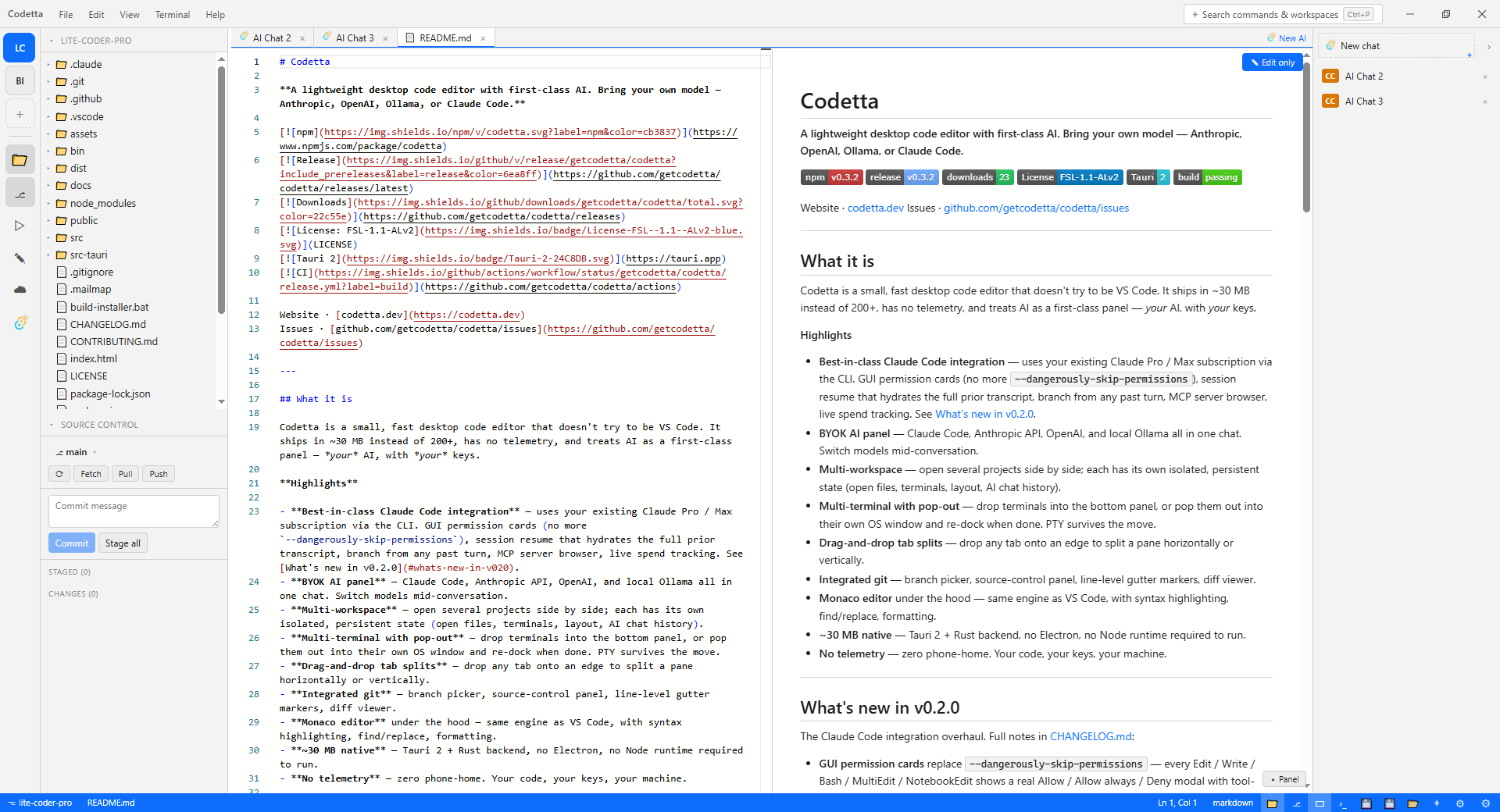
Many projects, one process

One running editor instance, every project as a tab in the activity bar. Per-workspace state lives in %AppData%/codetta/workspaces/{id}/state.json with atomic writes, so switching projects is instant and safe.

  • Pop-out terminals — drag any terminal into a separate OS window; PTY survives the move.
  • Split panes — drag tabs to any edge to split horizontally or vertically.
  • AI chat tabs live in editor panes alongside files; pop the chat into its own pane while you read the diff.
  • Refresh-resume survives across the whole UI — close the laptop, open it tomorrow, your panes are exactly as you left them.
MCP

Model Context Protocol, built in

Browse, install, and configure MCP servers without leaving the editor. Filesystem, Git, GitHub, Postgres, Puppeteer — pre-configured catalog with placeholder prompts so you can't ship a broken config to ~/.claude.json.

  • One-click install per server with input validation (path checks, GitHub-token prefixes, postgres URL schemes).
  • Per-scope toggle — install user-level or per-project, with badges so you can tell at a glance.
  • Editable post-install — re-run install to update env vars or paths without manually editing JSON.
// MCP server browser → Settings 📁 filesystem [↻ User] [+ Project] ⎇ git [+ User] [↻ Project] 🐙 github [+ User] [+ Project] // needs token 🐘 postgres [+ User] [+ Project] // needs URL 🎭 puppeteer [+ User] [+ Project] 🗄 sqlite [+ User] [+ Project]
Trust

Per-tool, per-prefix, per-extension

Three-tier always-allow lets the agent move fast on the boring stuff while still showing you the card on anything material. Bash gets per-prefix rules so grep + npm auto-allow but rm still asks.

  • Allow this session — in-memory only, resets on app restart.
  • Always allow <tool> — persisted; manage in Settings.
  • Always allow Bash <prefix> — persisted per first-token (grep, npm, git diff).
  • Always allow <tool> on .ext — persisted per filetype (Edit on .ts, Read on .json).
// localStorage allowlist (Settings can edit) [ "Read", // blanket tool "Bash:grep", "Bash:npm", // prefix gates "Ext:.ts:Edit", // per-filetype "Ext:.json:Read" ]