The lightweight code editor with first-class AI.
Bring your own model — Anthropic, OpenAI, Ollama, or sign in with Claude Code to use your existing Claude subscription. Now with a dedicated Agent Mode, a plugin system, and a conversation-first chat — ~30 MB native, no telemetry, built right into the editor.
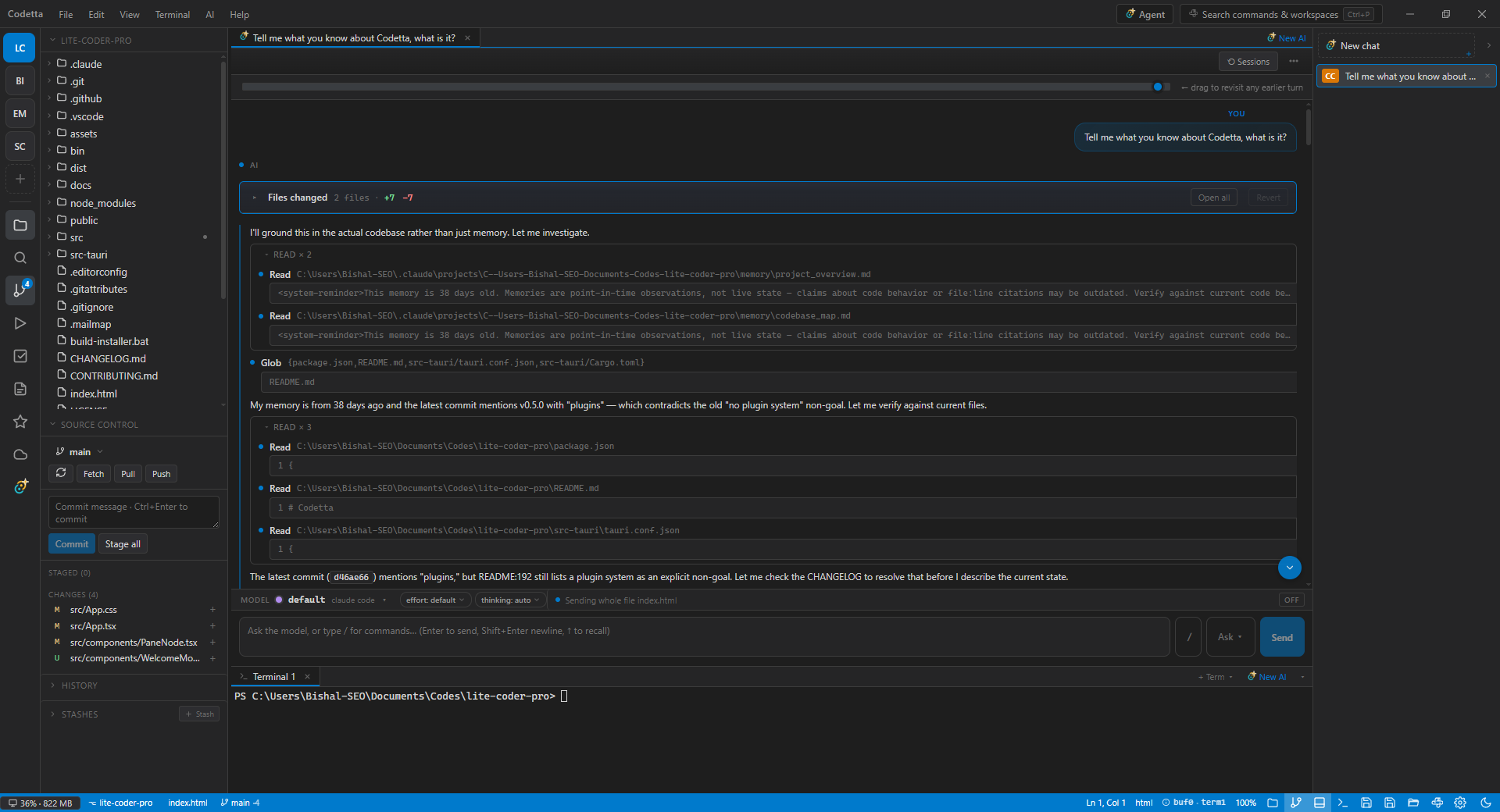
- 1Activity barSwitch workspaces, open Files / Source Control / TODOs / SFTP / AI
- 2File treeDrag tabs to any pane edge to split. Right-click for SFTP upload, rename, reveal in OS
- 3Mixed tabsFiles and AI chats live as tabs in the same editor area — drag, split, pin them just like code
- 4Live AI conversationClaude Code's tool calls (Read, Edit, Bash) stream into the chat with file-path tooltips and inline diffs
- 5AI chats railEvery chat as a row with a provider badge. Drag to reorder, click to focus, expand for full titles
- 6ComposerSlash commands, /file attachments, /tree, /terminal, model picker, running-tools status, /push to remote
What's new in v0.5.0
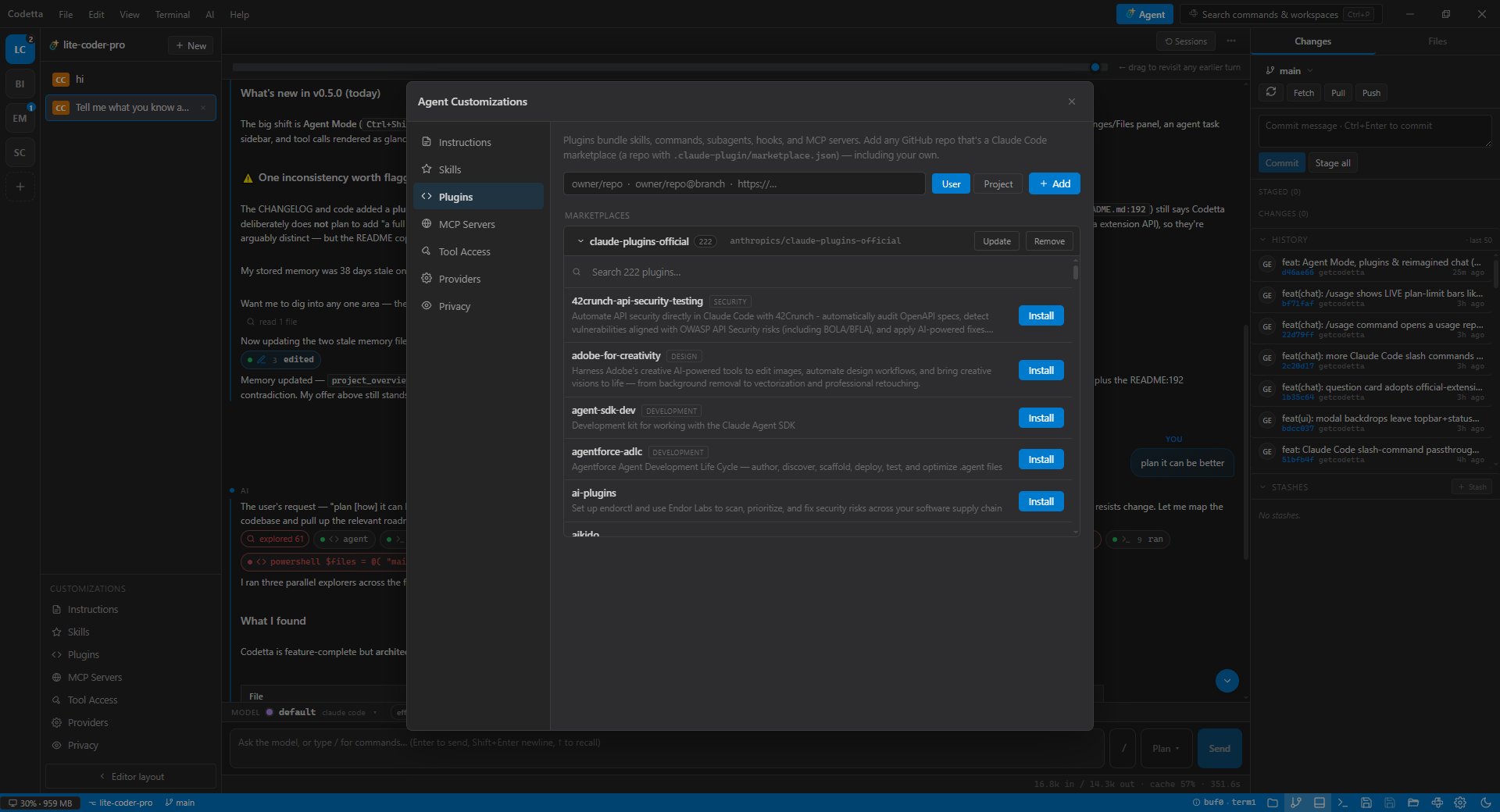
Full changelog →Codetta v0.5.0 introduces Agent Mode — a dedicated, agent-centric workspace — plus a plugin system, a reimagined chat, and a richer MCP browser. Six picks below.
A guided tour of Agent Mode
One keypress (Ctrl+Shift+A) flips the editor into an agent-centric workspace: your sessions on the left, a conversation-first chat in the middle, your changes on the right.
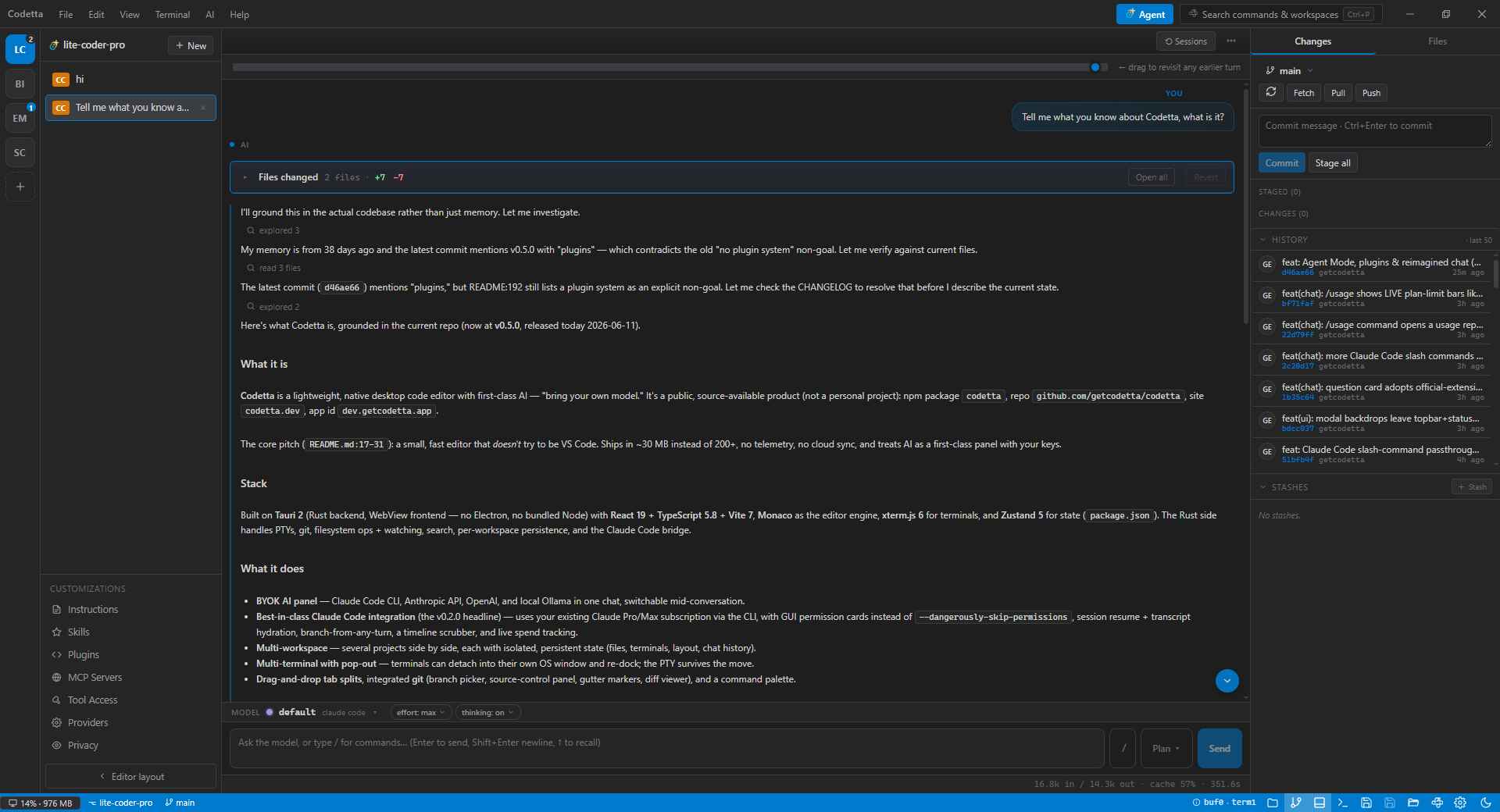
- 1Workspace railYour open workspaces as initials — click to switch; the agent panel follows
- 2SessionsEvery chat for this workspace, with a provider badge. Start, switch, or close — state persists
- 3Conversation-first chatTool calls collapse to chips — quiet "read 16 files", loud "edited run.ts". Click to expand a diff
- 4CustomizationsInstructions, Skills, Plugins, MCP servers, tool access, providers, and privacy — one click each
- 5ChangesReview what changed and browse the tree without leaving the conversation
Why Codetta
A small, focused editor that gets out of the way — with the AI tools you actually use, built directly into the surface.
Agent Mode
A dedicated, agent-centric layout — a workspace rail, a sessions list, and a conversation-first chat where tool actions collapse to glanceable chips and changes roll into a review card. One keypress away (Ctrl+Shift+A), nothing lost switching back.
BYOK AI panel
Anthropic API, OpenAI, local Ollama — or sign in with the Claude Code CLI to use your existing Claude subscription with no extra API key.
Multi-workspace, single window
Open every project in one app, one process. Switch projects like switching tabs — each keeps its own files, terminals, layout, and chat history. No second window, no second Electron, no doubled RAM.
Pop-out terminals
Drag a terminal into its own OS window for the second monitor. Re-dock with one click. xterm.js under the hood.
No telemetry
Zero phone-home. Your code, your keys, your machine. Settings and history stay on disk in your app data folder.
~30 MB native
Tauri 2 + Rust backend. Doesn't ship a browser; uses your system WebView2. Cold starts feel instant.
Drag-and-drop splits
Grab any tab, drop on an edge — instant horizontal or vertical split. No nested config, no panel taxonomy to learn.
Command palette
One shortcut for files, commands, and settings. Fuzzy-matched, keyboard-first, and stays out of your way.
Built-in source control
Stage, diff, and commit without leaving the editor. Lean Git surface — the things you do every day, none you don't.
Monaco-powered
The same editor core that drives VS Code — TypeScript, IntelliSense, and language features you already trust.
Use your Claude Pro or Max subscription
Already paying for Claude? Skip the API bill. Sign in once with the Claude Code CLI and Codetta routes its AI panel through your existing subscription — same models, same quotas, no per-token charges.
- Zero extra cost if you already have Claude Pro or Max — no Anthropic API key needed.
- Full model access — Opus, Sonnet, Haiku — driven by your subscription's plan limits, not a metered API balance.
- One sign-in, everywhere — the same auth Claude Code uses in your terminal works inside Codetta.
- Switch any time — drop in an Anthropic, OpenAI, or local Ollama key from the same model picker.
# 1. Install Claude Code (once)
npm i -g @anthropic-ai/claude-code

# 2. Sign in with your Claude account
claude login

# 3. In Codetta, pick "Claude Code"
#    in the AI panel's model picker.
# That's it — no API key.One app, many projects — a fraction of the RAM
Most editors spawn a whole new window — a whole new process — for each project. Codetta keeps every workspace inside the same window. One Tauri process. One memory footprint. Switch projects with a hotkey, not a relaunch.
- Workspaces are tabs, not windows — open as many as you like, switch instantly, no app duplication.
- Persistent per-workspace state — files, terminals, layout, and chat history are remembered for each project, keyed by absolute path.
- Tauri 2 + system WebView — no bundled Chromium, so opening a second project doesn't double the resident memory.
- Pop a terminal out when you actually want a second window — re-dock with one click.
What's inside
A small, intentional stack. Easy to reason about, fast to build from source.
Install
Native builds for Windows, macOS, and Linux. Pick your platform — we'll auto-select it for you.
Requires Windows 10/11 with WebView2 (pre-installed on most modern Windows builds).
Unsigned build — first launch needs System Settings → Privacy & Security → Open Anyway.
After download: chmod +x Codetta_*.AppImage and run it. Needs libwebkit2gtk-4.1.
Or build from source
Requires Node 18+ and the Rust toolchain. Cross-platform.
git clone https://github.com/getcodetta/codetta.git
cd codetta
npm install
npm run tauri dev
CLI helper: npm i -g codetta